 NKD BVR
 NKD BVR
NKD Background Video Recorder — Secure Screen-Off App for Android
NKD Background Video Recorder (NKD BVR) stands as the definitive private utility application for Android users requiring secure, high-fidelity media capture. This efficient solution allows you to capture professional-grade Full HD & 4K videos completely in the background while multi-tasking, navigating systems, or even when your device display is entirely blacked out. Engineered with advanced sandboxed local protection and an optimized covert recording mechanism, this utility runs smoothly without distracting shutter sounds or preview lags. Whether you utilize it as an automated loop-recording dashcam app for vehicular liability protection or as a discrete personal safety tool in public ecosystems, NKD BVR provides reliable performance without artificial constraints. All output files are securely locked inside Android's local Scoped Storage array, completely shielded from external software queries.

Premium Background Video Camera App Core Features
Designed for users who need a reliable, high-quality background video camera application without unnecessary friction.
Unlimited Recording
Enjoy unlimited background video recording without artificial caps. NKD Background Video Recorder executes seamless loops for extended tracking durations.
Silent Operation
Execute secure captures without system indicator sounds or disruptive screen previews for total operational privacy.
Privacy Lock
Isolate local assets using advanced bio-authentication parameters or hardware-backed PIN credentials seamlessly.
Dual Camera Switch
Cleanly toggle operational focus between front and rear hardware lenses prior to launching active instances.
Lock Screen Recording
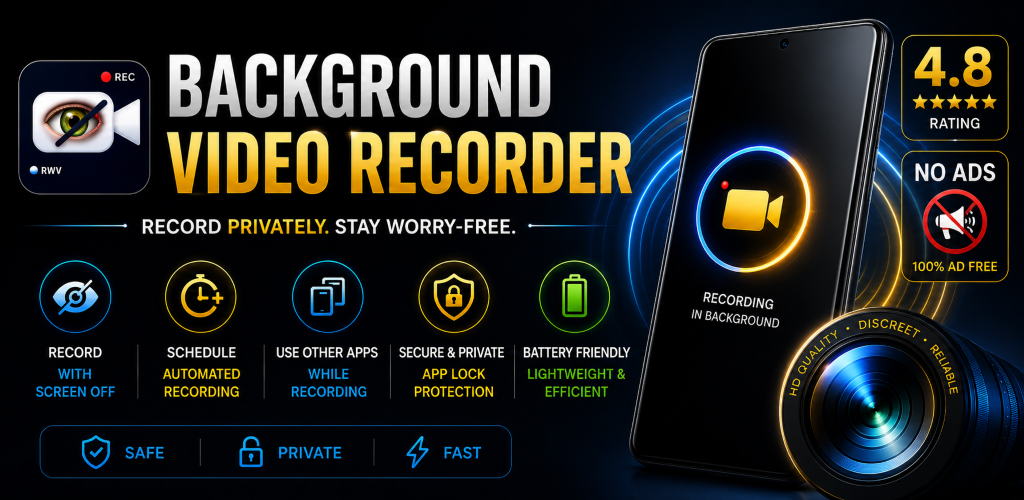
Maintain constant active loops even when system screens are powered down. Complete isolation from unexpected interruptions.
Crystal Clear Audio
Capture high-fidelity, synchronized sound paths concurrently with your video feed using internal audio optimization filters.
Auto Save Recording
Designed to save active logs instantly before low power situations (under 5%) force system termination sequences.
4K Ultra HD Capture
Extract deep structural clarity using stabilized 4K rendering profiles. Clean processing pipeline for professional outputs.
One-Tap Instastart
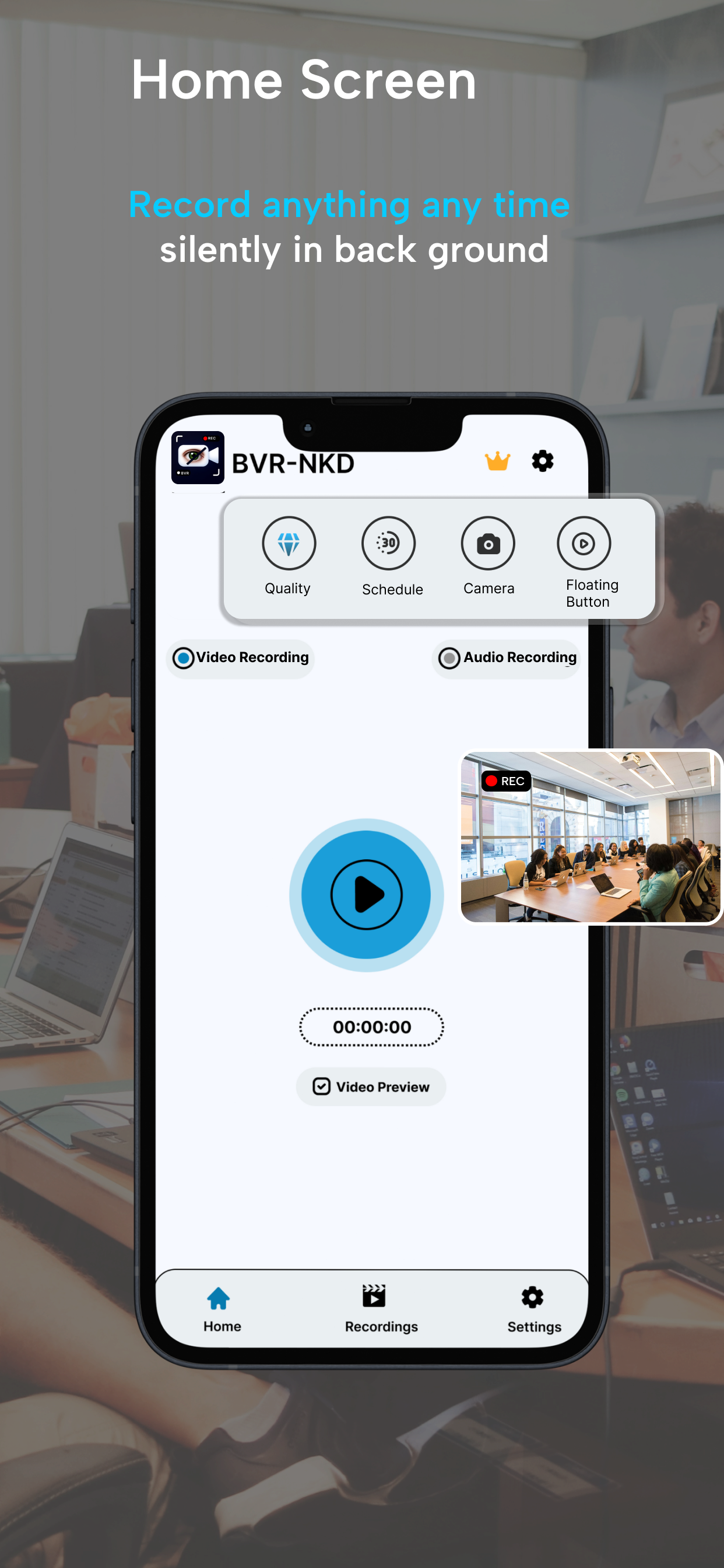
Launch background video recording instantly with a single touch. Smart system shortcuts and quick-action notification tiles let you manage your captures without latency.
One-Tap Widgets
Add smart, responsive utility widgets directly to your launcher screen. Start, stop, or adjust configuration parameters instantly, completely bypassing the primary application layout.
Multi-App Multitasking
The processing pipeline runs smoothly in the background while you navigate other software layers. Play high-performance games, check emails, or load feeds without impacting active streams.
Storage & Data Saver
Advanced H.264/H.265 compression protocols preserve valuable device hardware storage space. Optimize final file outputs without reducing clarity, saving network data during cloud syncs.
Intuitive Dashboard Layout
A clean, dark/light material design experience that operates fluidly while offering full structural controls.
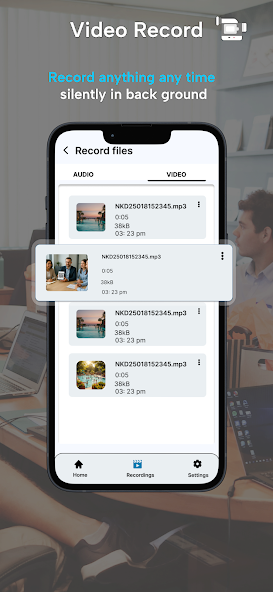
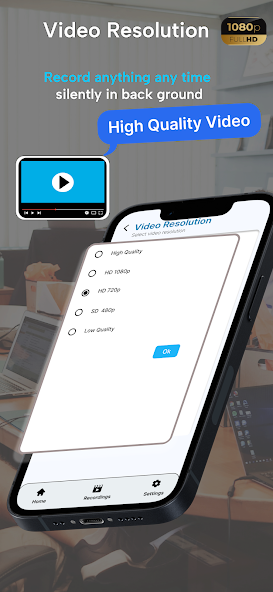
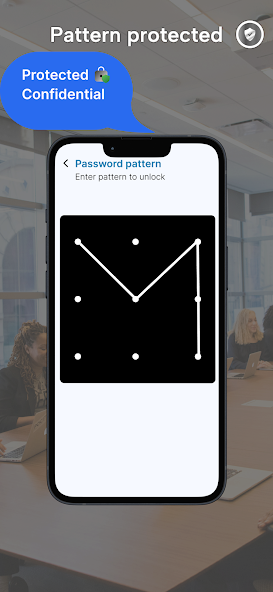
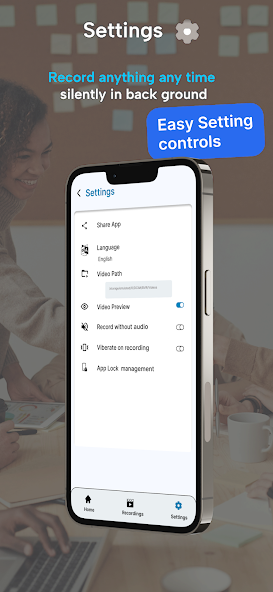
Covert BVR Camera Deployment Scenarios
The most reliable private utility tool to secure yourself in crucial environments and collect verifiable data responsibly.
Documenting Institutional Compliance
If you face unexpected anomalies or regulatory deviations during official interactions, capture the context seamlessly. This utility operates with the panel dark to document events securely.
Personal Liability Protection
When navigating aggressive public disputes or high-stress environments, execute the private background camera to log ambient visual evidence without escalating the ongoing situation.
Smart Vehicular Dashcam
Re-engineer your mobile setup as a full-time dashcam. Securely anchor your smartphone onto your dashboard mount and record long-haul trips in Ultra HD while actively viewing mapping apps.
Advanced Security Engine
Record stabilized high-fidelity audio and video telemetry efficiently, even when your system device is tucked away safely.
What Real Users Are Saying
Verified feedback from Android users who rely on NKD BVR daily for security, dashcam loops, and personal privacy.
"Absolute lifesaver for dashcam use."
"I map my routes on GPS while this app records traffic seamlessly in 4K background mode. Zero overheating issues on my Pixel."
"Perfect Screen-Off Privacy"
"Tested so many background recorders and they all crash when the screen locks. NKD BVR kept recording fluidly for 45 minutes straight. The scoped storage integration is elite."
"Highly Reliable Controls"
"The home screen one-tap widget is extremely responsive. I can trigger recordings instantly without launching the main dashboard app interface. Audio sync is incredibly sharp."
Your Privacy is Our Absolute Priority
NKD App operations execute completely within your localized hardware environment. We enforce decentralization—meaning no video files, metadata strings, or audio recordings are ever transmitted to remote cloud databases.
Zero Remote Server Footprint
Every video frame stays isolated inside your system's sandboxed local container, safe from intrusive third-party applications.
Frequently Asked Questions
Everything you need to know about the NKD Background Video Recorder application setup and operational privacy framework.
Does it record frames while the system display screen is locked?
Absolutely. Once initiated via an explicit widget gesture, customizable home screen tile shortcut, or regular timer sequence, the processing thread records background feeds unhindered even if the display enters sleep mode or gets fully locked.
Where are the recorded video files saved on my device?
To maximize security, all media assets are automatically isolated inside Android's local Scoped Storage sandbox container. They remain strictly private and completely invisible to external gallery apps or third-party software queries unless you manually decide to export them.
Why does the background recording process sometimes stop unexpectedly?
This typically happens due to Android's aggressive battery optimization protocols killing background tasks. To resolve this, simply go to your device Settings > Apps > NKD BVR > Battery, and change the settings profile to "Unrestricted" or disable optimization for this app.
Can I switch between the front and rear camera lenses?
Yes, completely. The application settings dashboard allows you to select your preferred hardware camera configuration (Front or Rear lens) along with specific output resolutions (up to 4K Ultra HD) before initializing any live recording loop.
Does the NKD BVR app upload any of my personal data or videos online?
No, never. Privacy is the core foundation of our app framework. NKD BVR runs on a strict decentralized local architecture. We do not host remote media servers—meaning 100% of your video files, audio tracks, and location data stay on your physical phone storage.
Support & Community Hub
Interact with our developer collective on Instagram or log a technical request to access the newest beta deployments, patch configurations, and expert tips.
Drop a Message
Our product engineers receive user reports directly on our support mail route.
NKD BVR
@recordwithnkd
Follow us on Instagram for technical product releases, dynamic feature demonstrations, and quick customer support access.
Explore Specialized App Frameworks
- Looking for an app that records when your device display is locked? Read our setup guidelines. Screen-Off Video Recorder Settings Guide
- Need clear voice tracking for lectures and business meetings? Explore our standalone engine. Secret Audio Recorder Framework
- Want continuous vehicle road loop-recording options? Set up our optimized telemetry. Hidden Dashcam Application Layer
- Facing public liability disputes or institutional compliance audits? Deploy our custom pipeline. Discreet Personal Safety Camera Pipeline